Account Management
This section provides information on logging in to the Thesaurus account and changing an account password.
Logging in to the account
Login is required for some activities
Note that there are several actions (e.g., adding and editing contents) that require you to log in first.
-
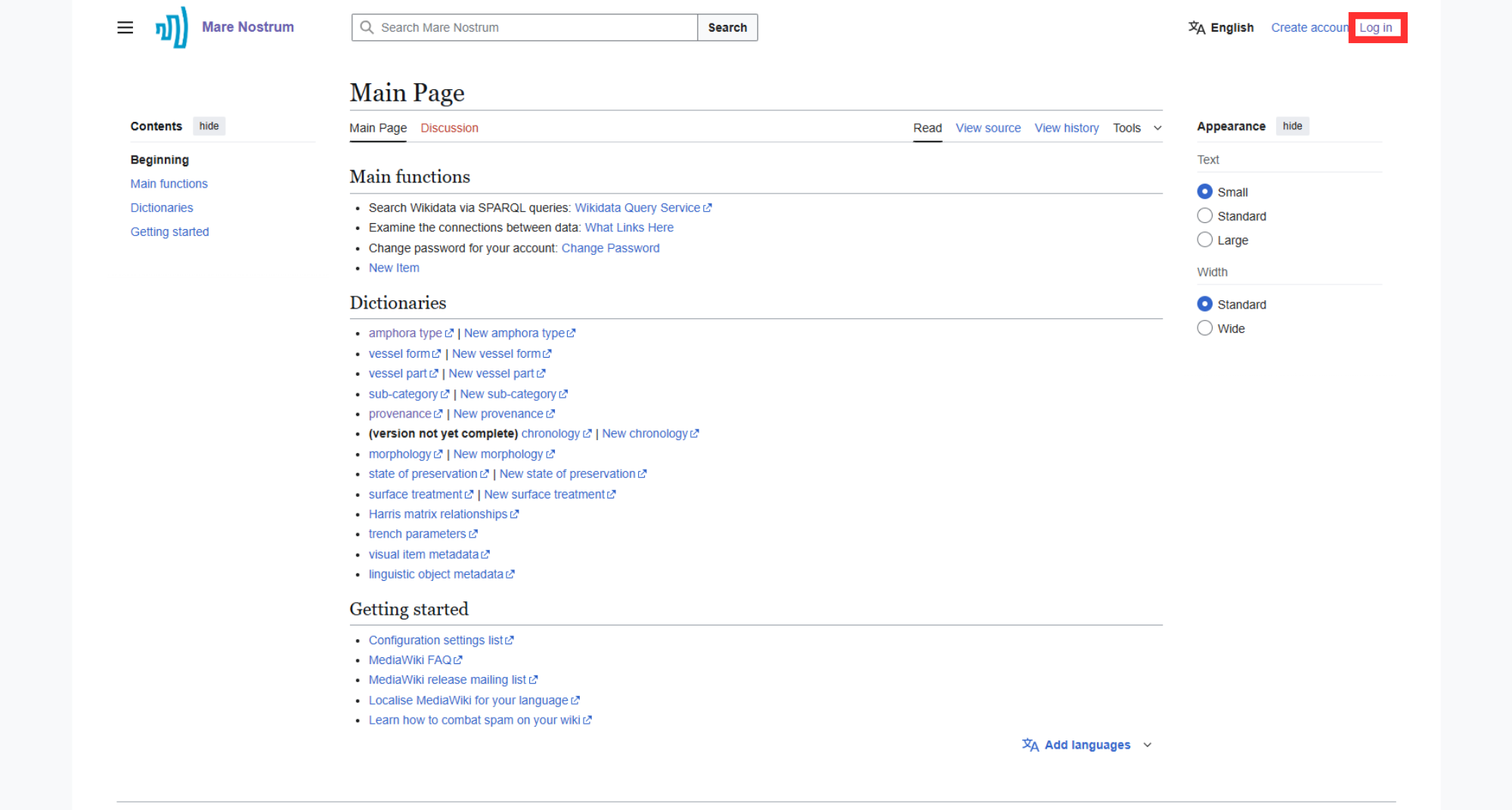
Find and select the "Log in" button at the top right corner or click here.
-
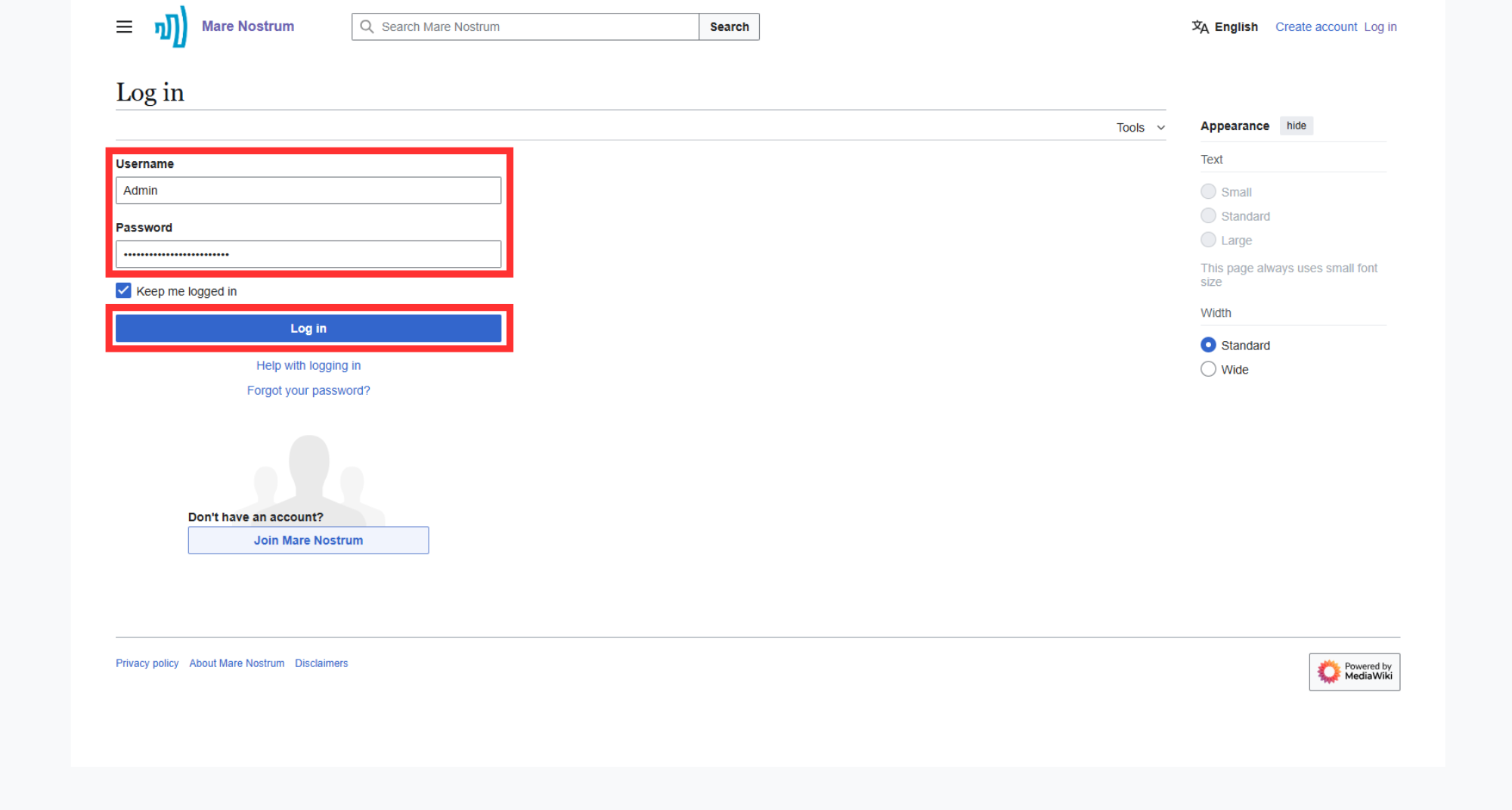
Provide your "Username" and "Password" in dedicated fields and click the "Log in" button.
Remain logged in
Check the "Keep me logged in" option to remain logged in after closing the session.
Password reset
"Forgot your password?" option does not work due to the lack of an email protocol connection. For a password reset, please contact the Thesaurus administrator.
-
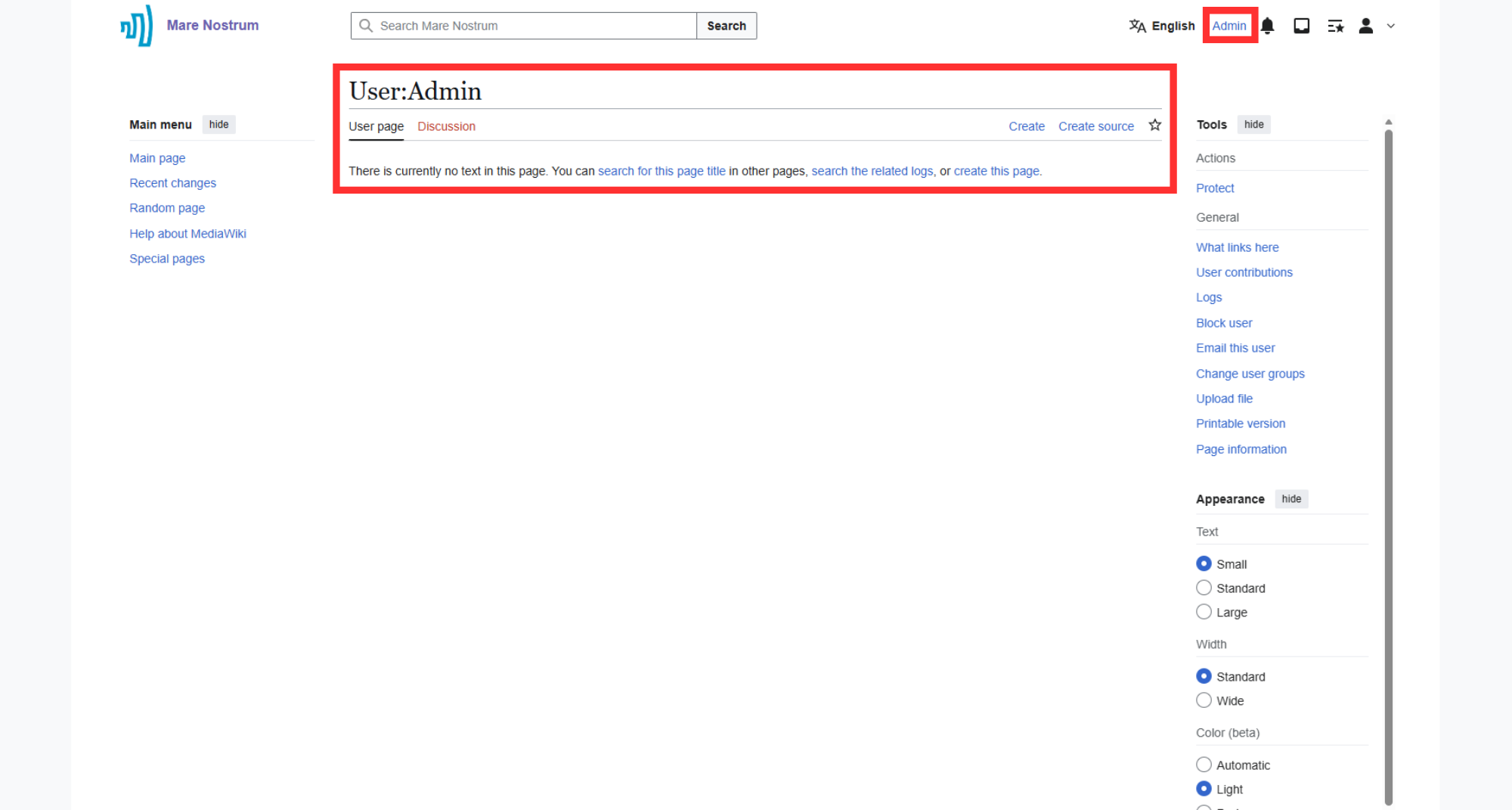
After completing the procedure, you will be redirected to your user profile page. Moreover, in the top right corner, the user's login appears.
Changing the password
-
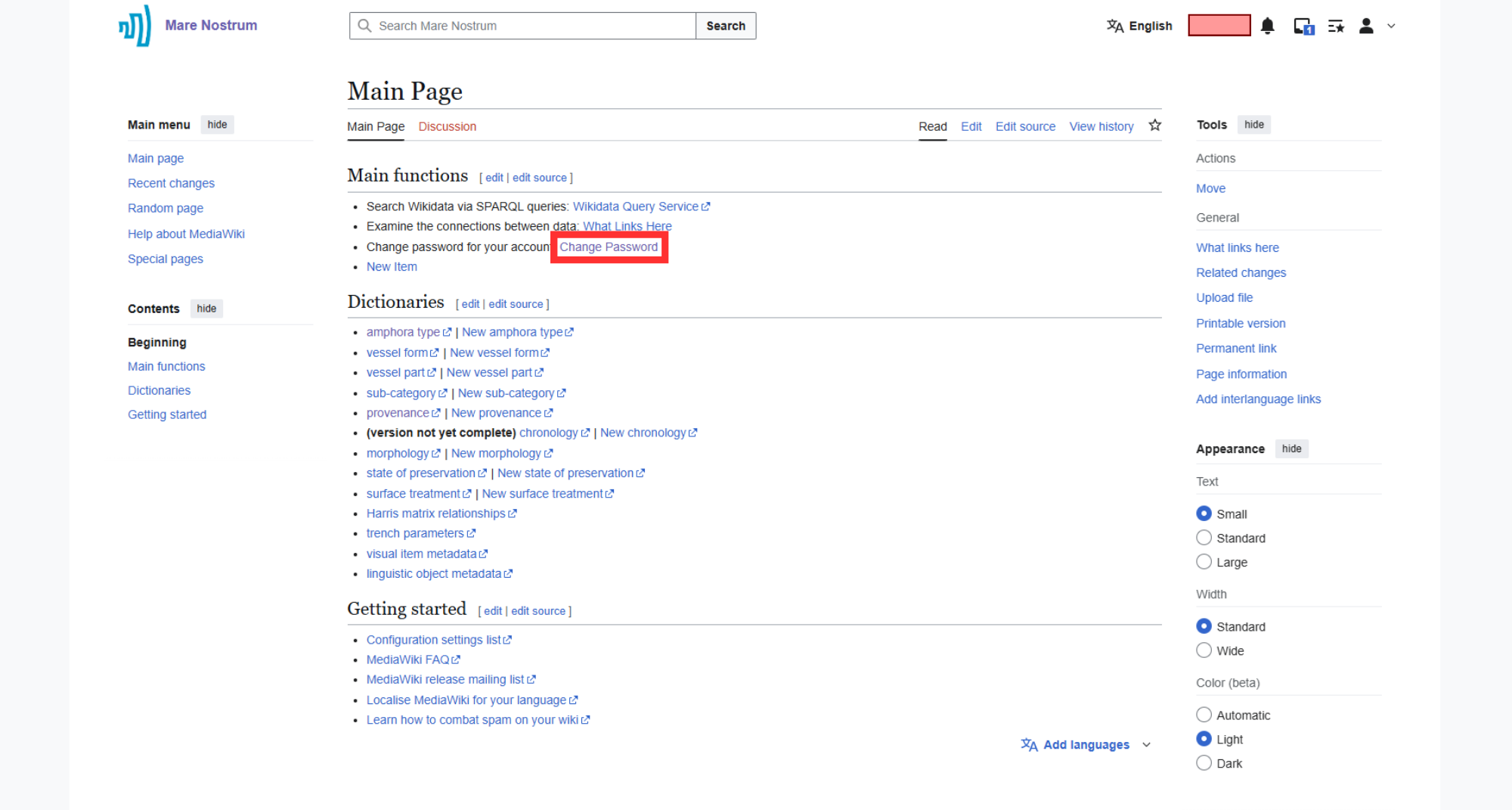
Go to the "Change Password" option on the Main page or click here.
-
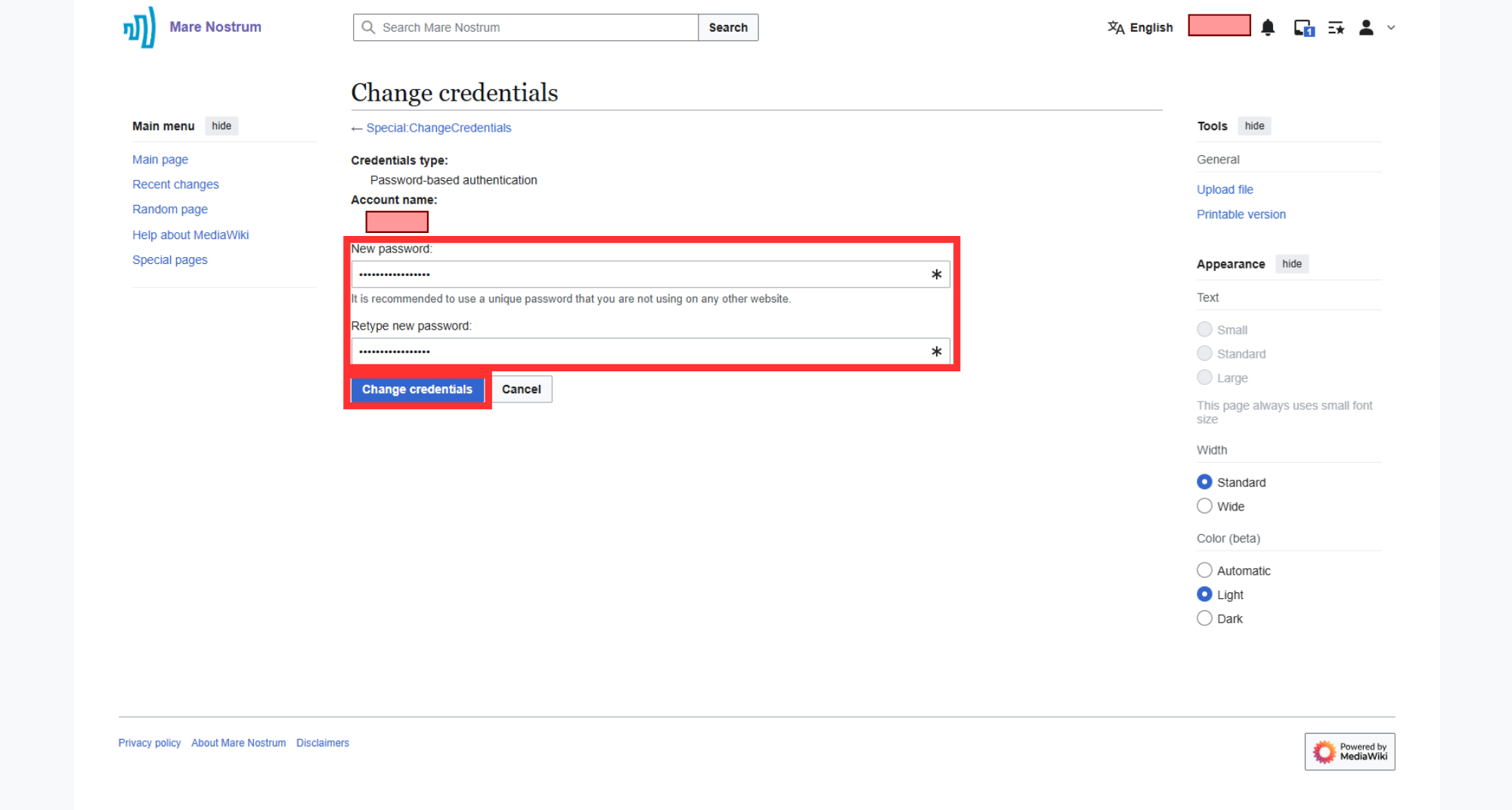
Enter your new password, retype it in the required field and press "Change credentials" button.
-
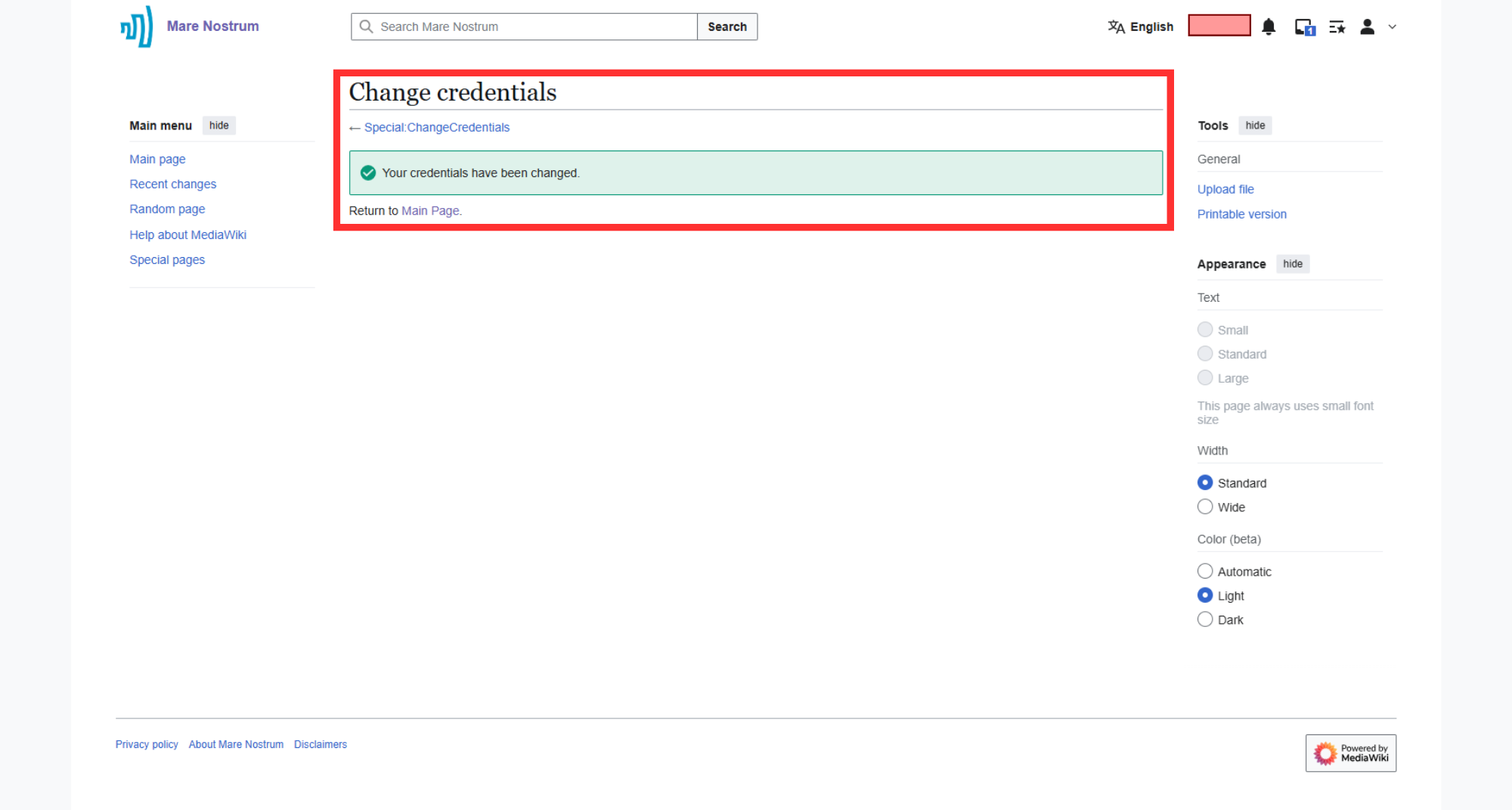
Once changed, a confirmation page will be displayed.